What vOm does

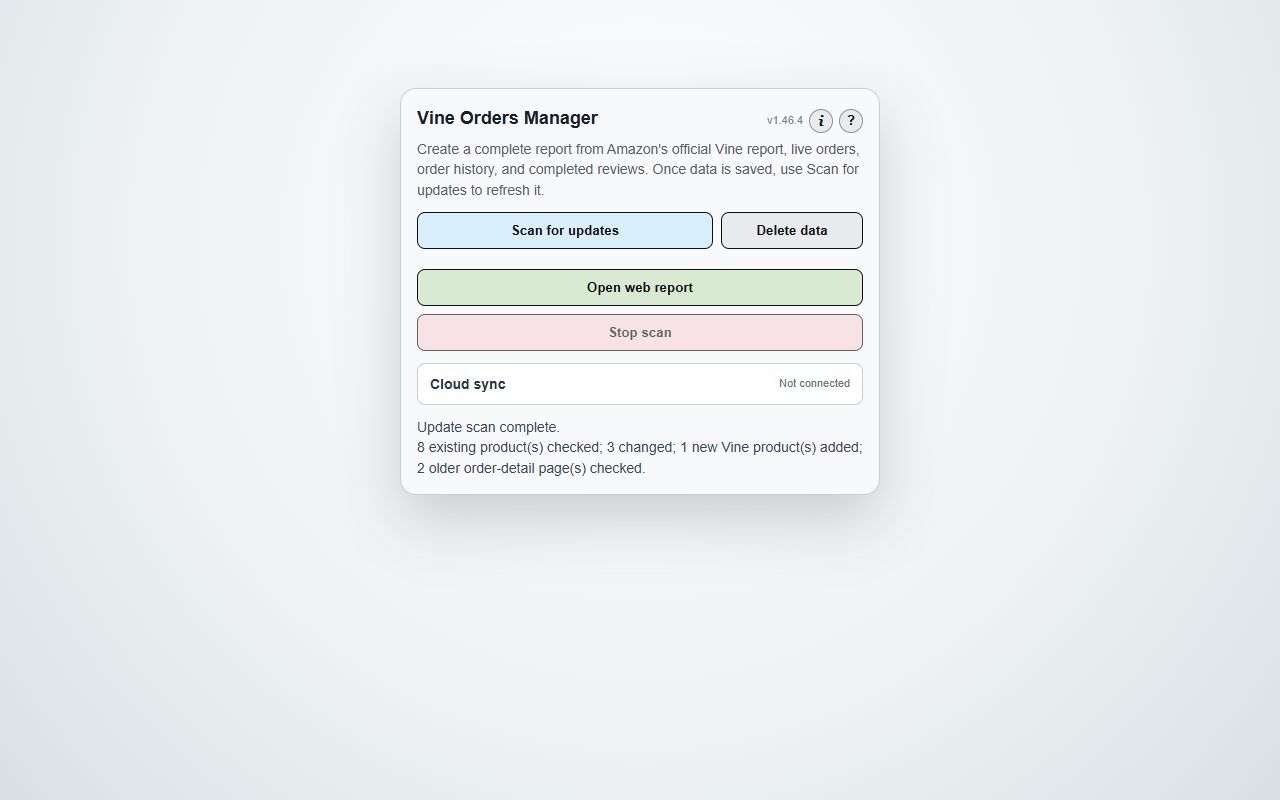
vOm is a browser extension that reads the Amazon pages an Amazon Vine participant can already see — Vine Orders, Order History, order and package tracking details, and Completed Reviews — and consolidates them into a single report stored on the user's own computer.

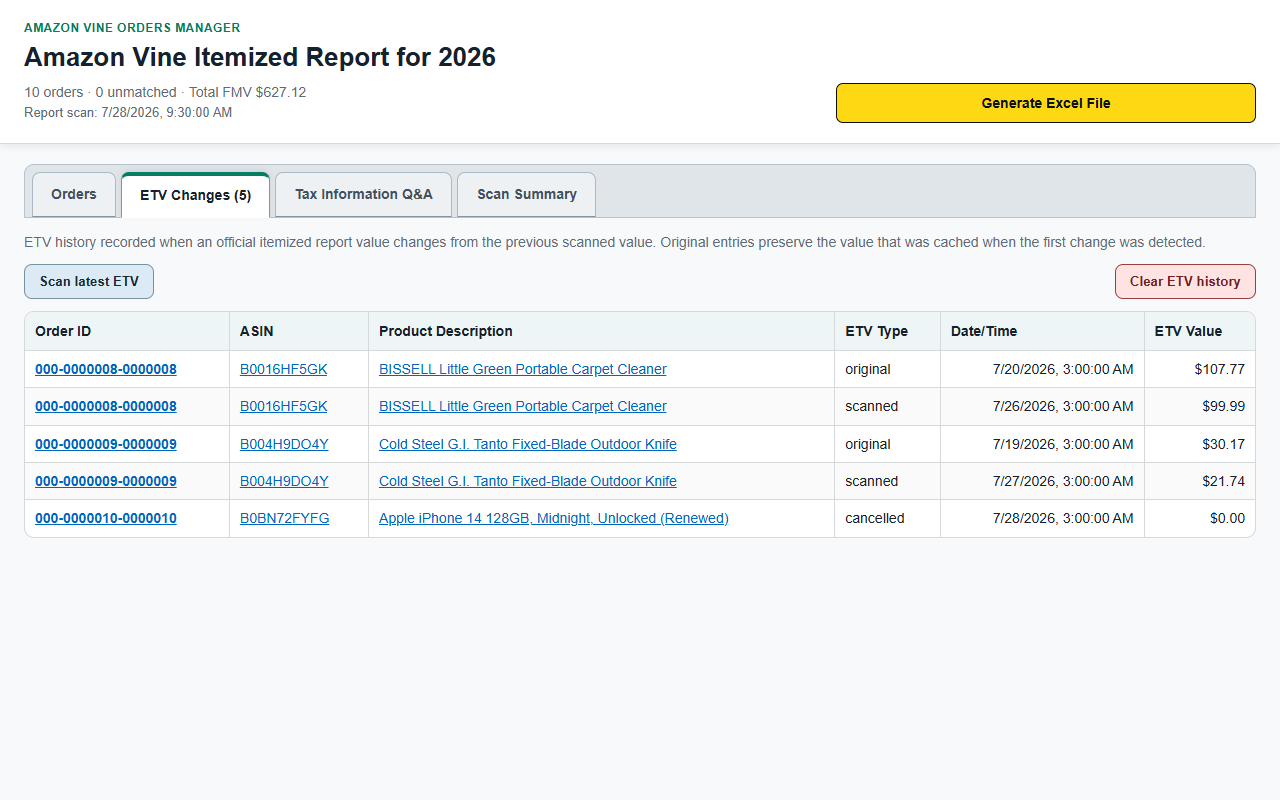
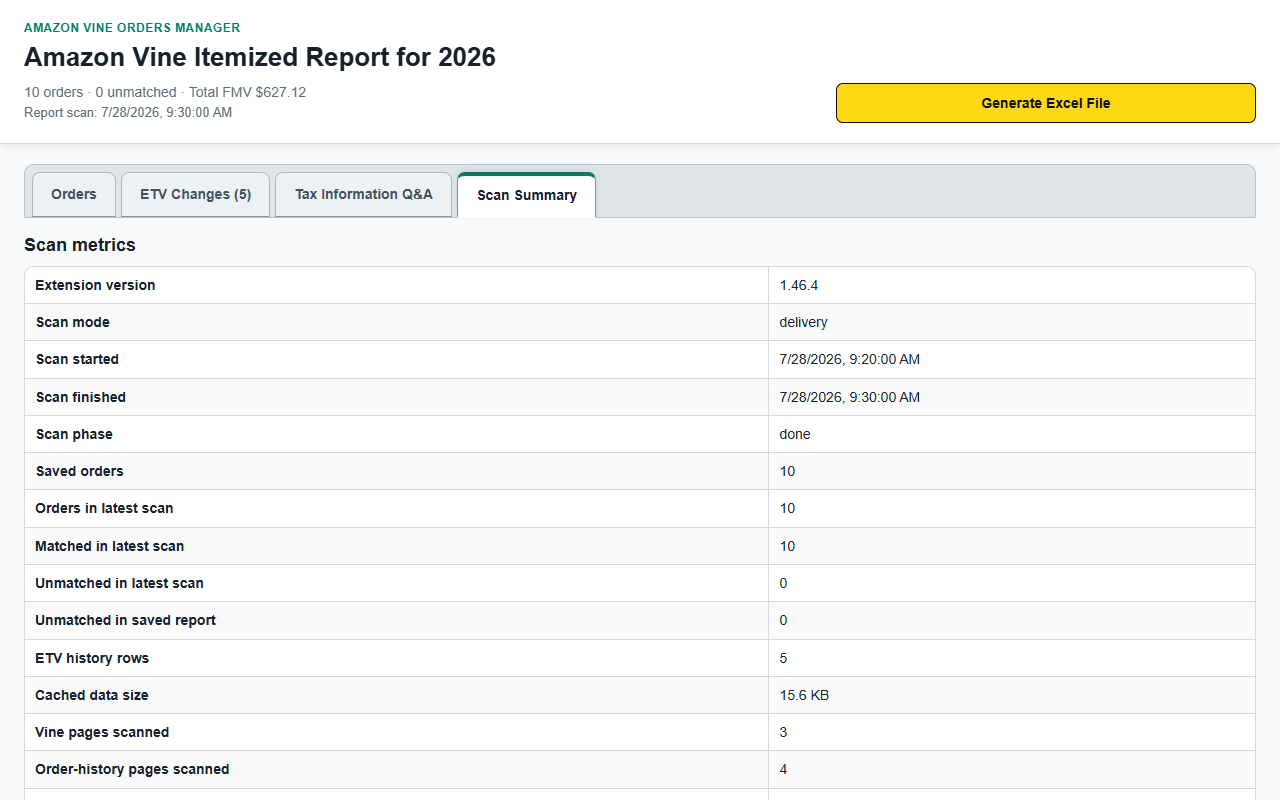
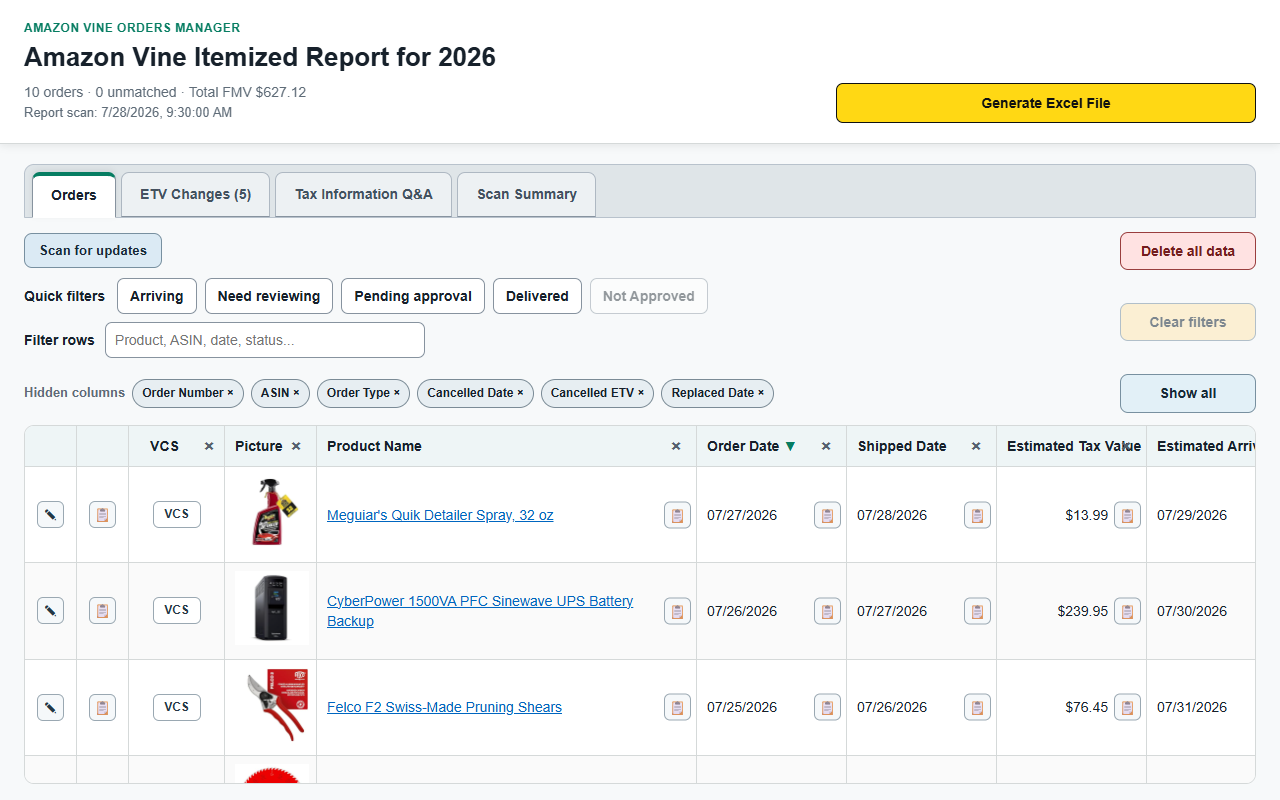
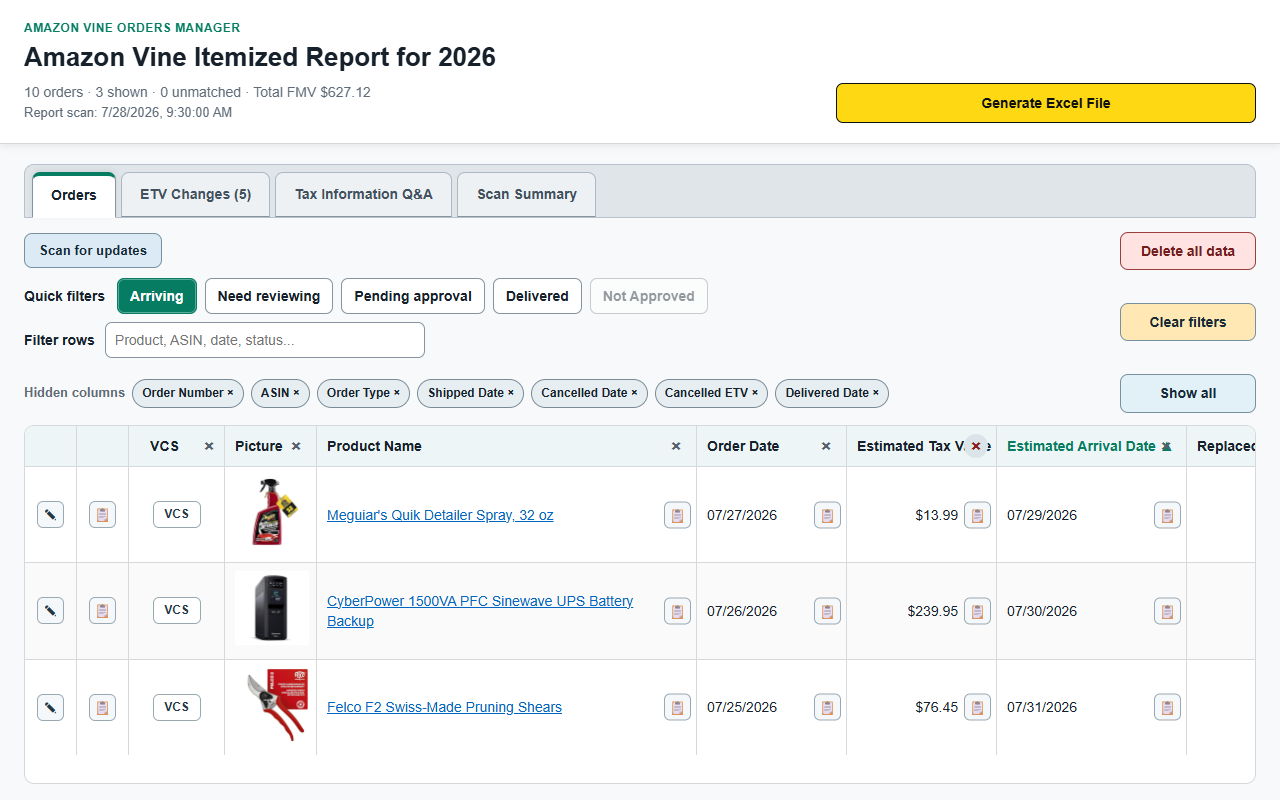
The report shows, for every Vine product a user has ordered: the order date and number, the product, its estimated tax value and how that value has changed, the current delivery estimate or delivered date, and whether a review is still outstanding. Amazon presents this information across several pages that cannot be sorted, filtered, or exported together. vOm puts it in one sortable table and can export it to an Excel workbook.

Everything runs locally in the browser. vOm has no server, no account, and no sign-up. The publisher never receives a user's report.

Get the extension: vOm on the Chrome Web Store. This site is the official home page for that listing.

The application is named vOm. That is the name on its icon, on this site, on its Google sign-in screen, and in every file it writes — vOm-sync-v1.json in cloud sync, vOm-YYYYMMDD-HHMMSS.xlsx on export. The Chrome Web Store listing carries the longer descriptive title “Amazon Vine Orders Manager” so that store search can find it; vOm is the brand.

vOm is an independent tool published by the operator of this site. It is not affiliated with, endorsed by, or connected to Amazon, and “Amazon” and “Amazon Vine” appear here only to describe the service it works with.
Consolidated local report Optional Google Drive or OneDrive sync XLSX export Optional AI review drafting

How vOm uses Google user data

Cloud sync is an optional feature. It exists so that a user who runs vOm on more than one computer sees the same report on each of them. A user who never turns it on is never asked to sign in to Google, and the extension makes no request to Google.

When a user chooses Connect Google Drive, vOm requests exactly one OAuth scope:

https://www.googleapis.com/auth/drive.appdata

vOm's use of information received from Google APIs adheres to the Google API Services User Data Policy, including the Limited Use requirements. Google user data is never sold, never transferred to third parties, never used for advertising, and never used to train any machine-learning model. Full detail is in the Privacy Policy.

What users can do

Scan and consolidate

Build one unified report from live Amazon pages, plus the official Vine itemized tax reports on marketplaces that publish them.

Filter and export

Sort, filter, and hide columns in the web report, then generate a native XLSX workbook for outside analysis.

Draft with confidence

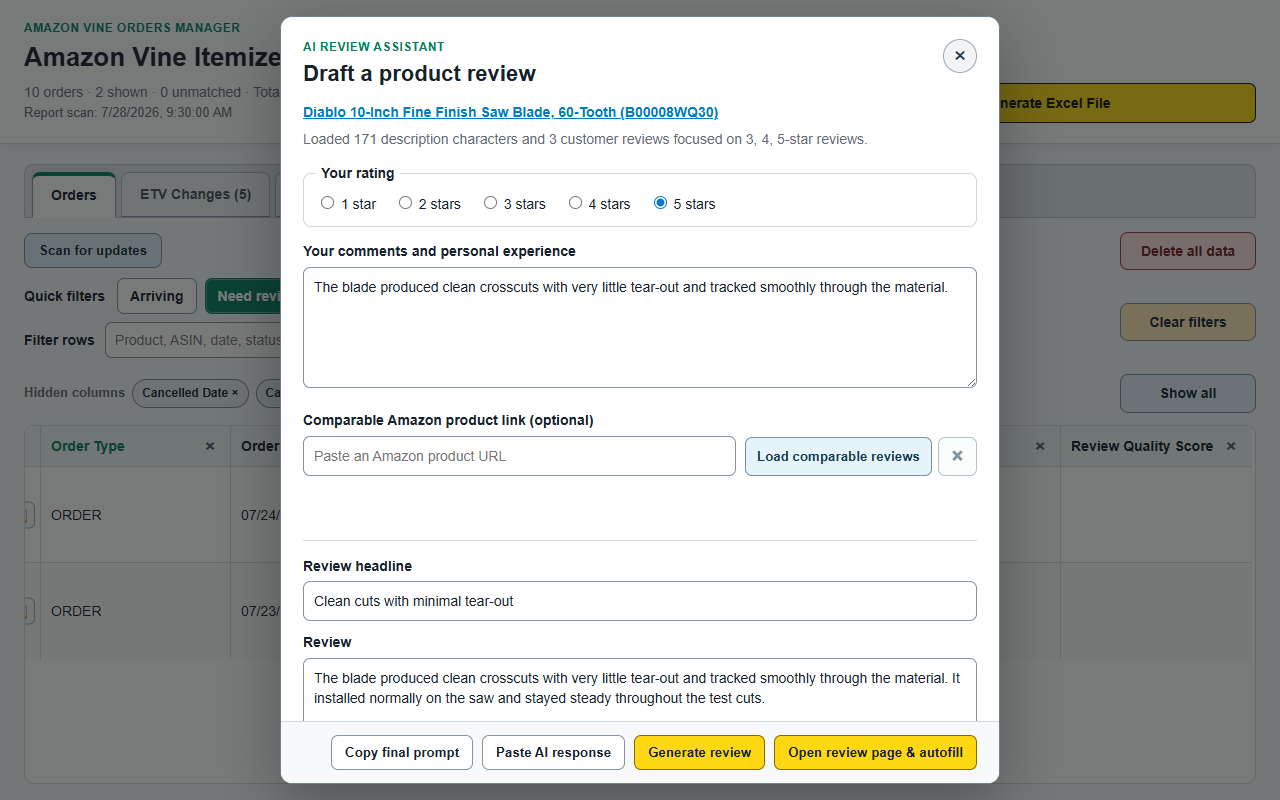
Optionally draft review text from the user's own rating and comments, then autofill Amazon's review form. Submission always stays manual.

Product screenshots

Captured from the current production build.

Before you install

Use vOm at your own risk. Amazon discourages automation of its site, and users remain responsible for how often they scan and for everything they submit. vOm never submits a review on a user's behalf, and it is not affiliated with Amazon or the Amazon Vine programme.

For the complete reference — every popup control, scan behaviour, cloud sync detail, and the full risk notice — see the Help Guide. Release history is in the Changelog.

Questions and support: vine-orders-manager@hotmail.com